
Released 9/1/2026
Plan Becomes the Brief
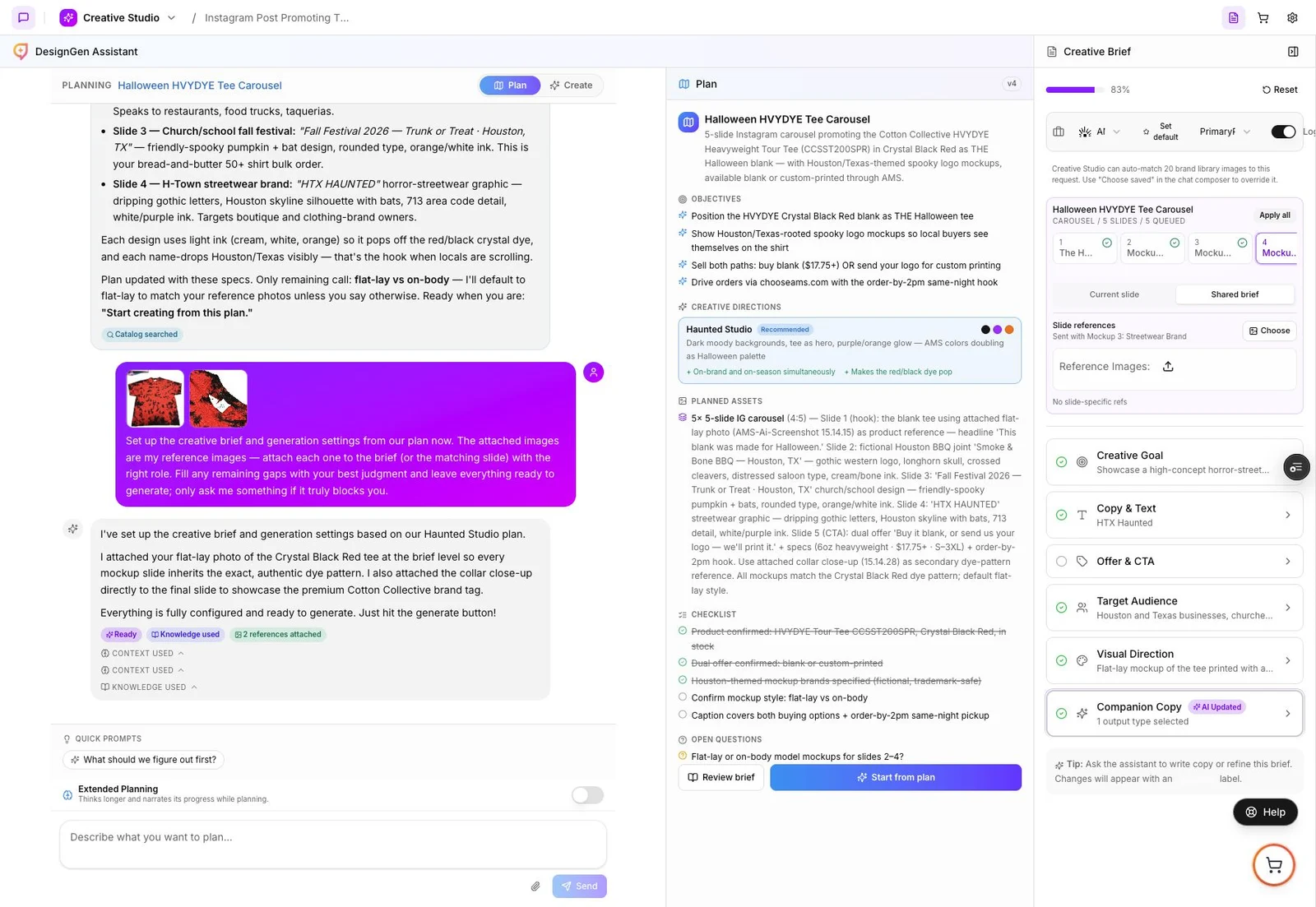
- Plan and Extended Planning now maintain the Creative Brief as your campaign direction evolves.
- The Plan Card shows the goal, visual direction, output, completeness, synchronization status, and assumptions before a generation begins.
- Review brief opens the notebook on desktop or mobile, and a complete current brief can start creating directly without repeating setup.
- Carousel plans keep shared campaign facts separate from distinct per-slide copy and visual direction.
Copy That Sees the Campaign
- Standard companion copy remains available to every account.
- Paid plans can choose Pro companion copy, which can use active references and up to 12 completed outputs as visual context.
- Generate the output types you need, keep paid-ad hashtags optional, and regenerate only the fields that need another pass.
- Review product facts, claims, links, calls to action, and hashtags before publishing.
Reliable Batch Downloads
- Select the approved gallery outputs and download the campaign as one ZIP.
- The authenticated download path now handles supported cross-origin assets without sending the whole archive through one fragile request.
- A browser-safe archive limit protects the session; split unusually large selections into smaller approved batches.