
Released 10/24/2026
Give your finished work somewhere to go
- Your next drop deserves a useful introduction. Social Connect brings your creative work and social accounts into the same DesignGen routine: prepare a draft, make it yours and give the final approval.

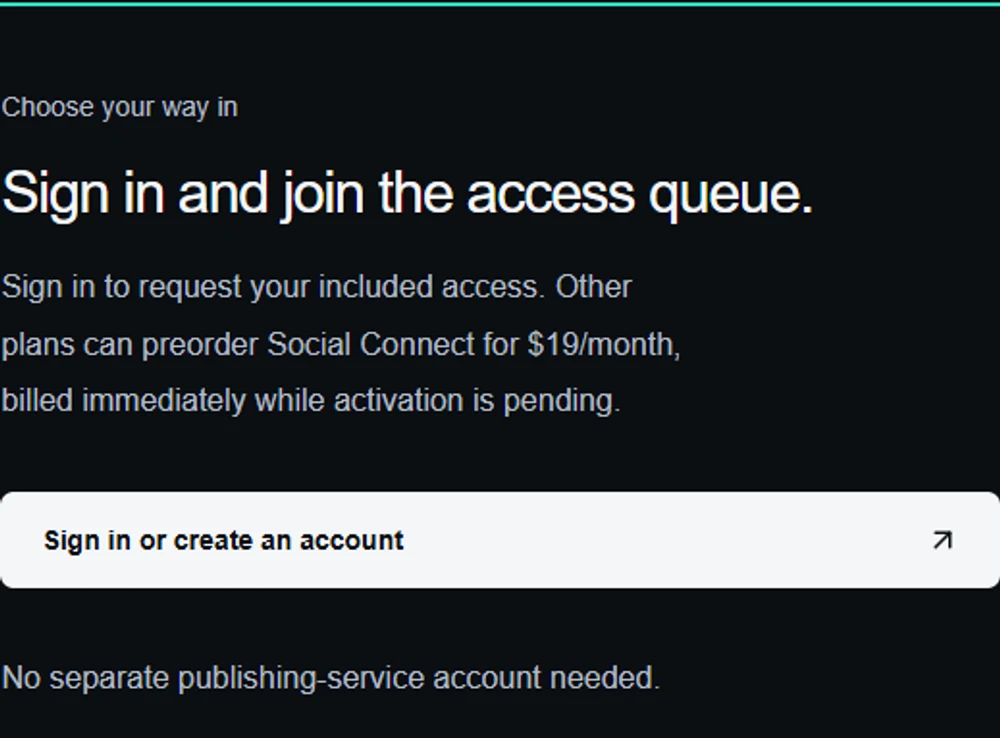
Start here, then keep track in Add-ons
- Sign in with your verified DesignGen email and request your place. Open Settings → Add-ons to check your own access and subscription. Pro and Enterprise include Social Connect; other plans can request the add-on.
- Preorder checkout opens separately. When available, it bills before activation. Read the notice before purchasing, and manage future renewal from Add-ons.
- Manage your add-ons
Picture the post before you make it
- The rollout plans eight social destinations. Each opens after its checks pass. Requesting access or paying for an add-on does not immediately enable publishing.
- Follow a botanical tote launch from finished artwork to a useful caption, an Operator brief and a reviewed draft. Try three audiences in the guide and copy a starting brief. Once activated, assistants help prepare drafts while you keep the final approval in DesignGen.
- Make your first post with us