
Released 10/1/2026
One action. Four times wider and taller.
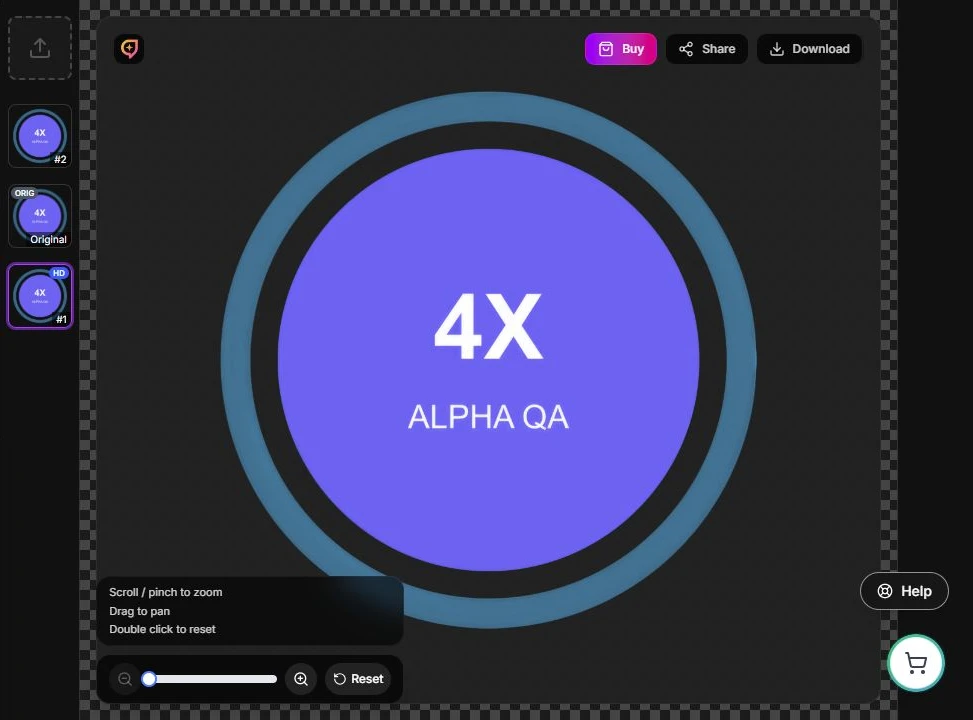
- Upscale 4× creates a larger PNG while keeping transparent areas in your source artwork.
- Select your design, choose Upscale 4× once, and inspect the saved result before using it.
Keep the result moving
- Reuse the saved design, apply it to a mockup, or download its PNG.
- If the connection drops during processing, return to the design and let the pending request finish before starting another upscale.
- An opaque source keeps its background. Review lettering, fine outlines, and transparent edges at your intended use size.
- Explore Upscale 4×.
- Follow the saved-result screenshot walkthrough.
- Prepare and inspect artwork from source to export.
- Get step-by-step help.