
Upscale, Save, and Reuse a Transparent Design
Upscale, save, and reuse a transparent design
Upscale 4× creates a PNG four times wider and four times taller. Transparent areas in your source remain transparent. An opaque source keeps its background.
Before you start
Sign in with your existing DesignGen account and open Image Tools. You need account credits for Upscale. Use the cleanest original raster file you have; avoid a compressed copy or a previously enlarged result when the original is available.
Enlarge one selected source
- Open or upload your artwork in Image Tools.
- Select the exact design version you want to enlarge.
- Choose Upscale 4× once and allow the current request to finish.
- Select the saved result and inspect lettering, fine outlines and transparent edges.
- Reuse the result in your next design step, apply it to a mockup, or download its PNG.
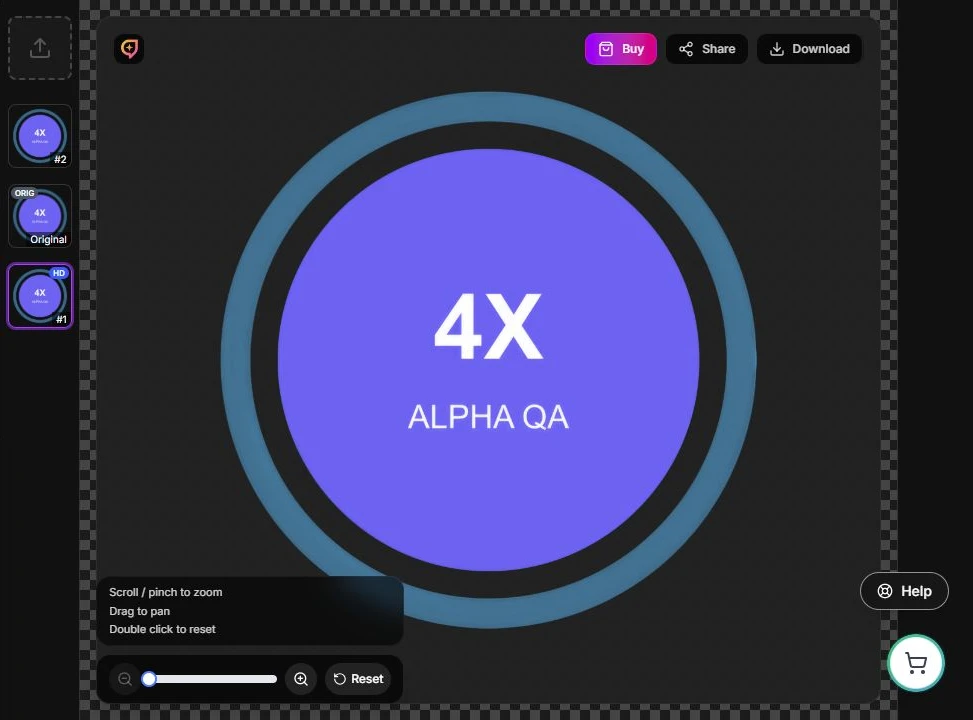
Actual product screenshot. Select the saved result before your next action.
Return to your result
Return to your saved designs and select the enlarged artwork again. Check the result before starting another Upscale request after a reload or connection interruption. A dropped connection alone does not establish that a pending request failed.
Choose the right workflow
- Transparent illustration: inspect the original cutout, upscale it, review the saved PNG, then use it in a mockup or export.
- Opaque upload: use background removal first if you need a cutout. Inspect that cleaned version and select it as the Upscale source.
- Logo needing scalable paths: consider Vectorize. Upscale creates a larger raster PNG, not an SVG.
Review before export
Inspect over light and dark backgrounds at your intended use size. Open the downloaded PNG to confirm dimensions and transparent areas. A larger image still needs artwork and print-process review.
Continue with credits and image limits, troubleshooting, the source-to-export guide, or the screenshot walkthrough.