
Released 11/20/2026
Plan the drop and see what follows
- The updated Social Connect workspace puts Calendar, Create, Inbox and Results in reach. Find a place for your next drop, review the exact version for each account, and follow the conversation after it goes out.

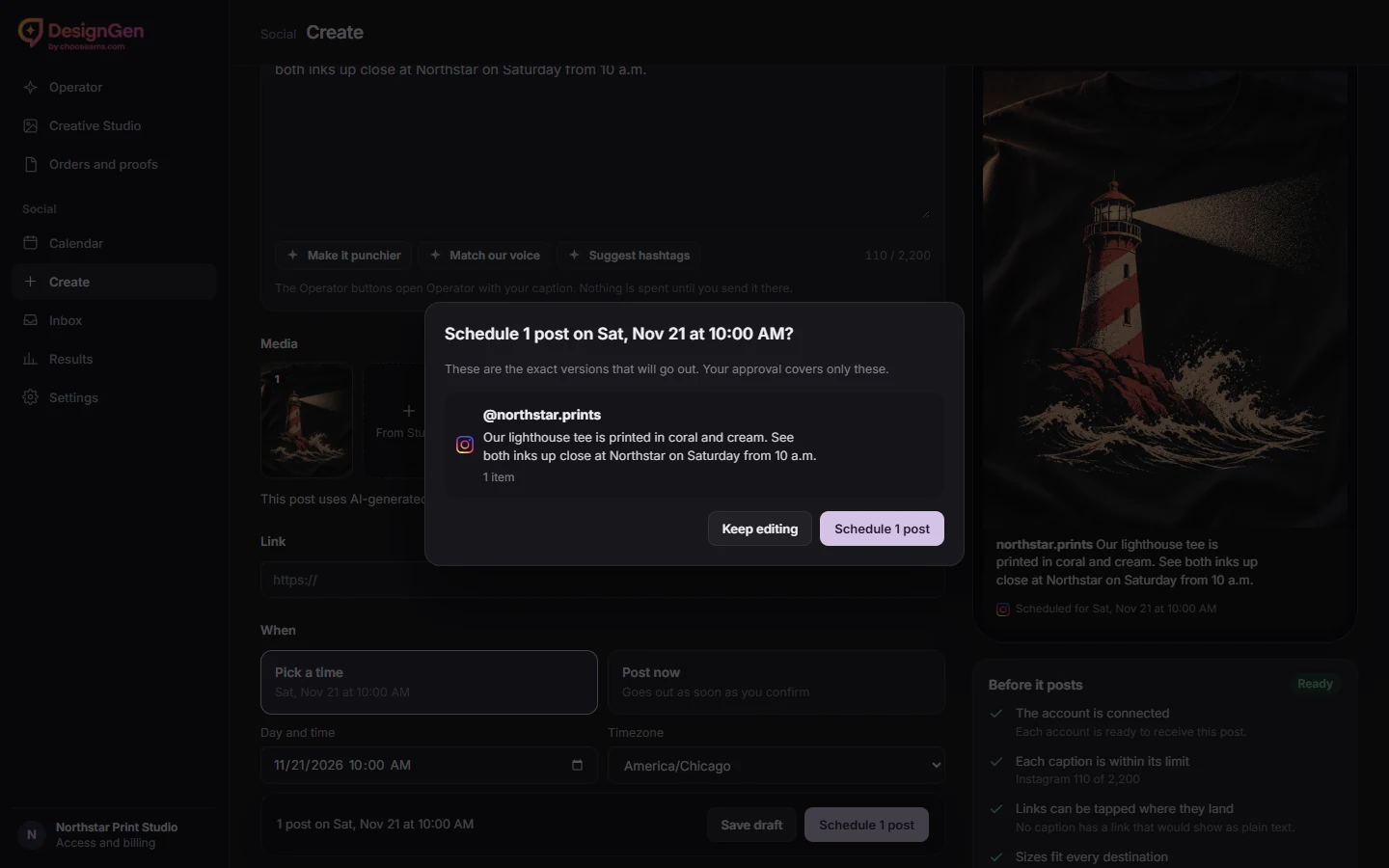
Review the version each account will see
- Use Create to preview the account, caption and media for each destination. Confirm the exact saved versions, then use Calendar to check the post’s status. Sign in to see your access and available destinations.
Follow up after the drop
- Open Inbox for recent supported comments and Instagram messages. Use Results to compare reach and engagement reported by your accounts. If automatic replies are available, review the wording, categories, daily cap and end date before enabling them.
- Explore Social Connect Help